



Skip to content

One tap, one call

The phone that works when a regular smartphone no longer does

For someone who can no longer manage a regular phone: CallByFace turns an Android into a locked calling screen with up to six faces. You tap a photo and the call starts. There are no menus to get lost in and no unnecessary steps to get confused by.

€35one-off — no subscription
Works on the phone you already haveA second-hand Android does the job — no new hardware needed.
24%08:13
EMERGENCY
Anna
Anna
Erik
Erik
Sara
Sara
Johan
Johan
Lena
Lena
Home care
Home care
Sara

Sara

calling…

  • 90-day money-back guarantee
  • No lock-in, no subscription
  • Works on most Android phones from 2019 onwards — see the requirements

This is not an app you download. You buy a licence — one QR code that installs and locks CallByFace onto an Android phone.

CallByFace turns an ordinary Android phone into a locked screen with six large photos. Tap a face and the call goes through — no home screen, no apps, no settings.

  • €35 once per phone. No subscription.
  • Works on most Android phones from 2019 or later.
  • Six contacts, shown as large faces.
  • You buy a licence — the phone and the plan are yours to choose.
  • 90-day money-back guarantee.
  • Not a replacement for emergency services or a personal alarm.
  • Licence + QR code straight to your email
  • Up to six faces on one locked screen
  • Set up by a relative in about 20–30 minutes
  • 395 kr one-off fee — no subscription

Why it exists

It started with a brain haemorrhage

  1. 01

    After the brain haemorrhage, the phone was no longer usable for him.

    He immediately recognised his children in photos. But the contact list, call log, and small buttons meant nothing to him. Everything relied on remembering the next step. He could no longer do that.

  2. 02

    He could neither call anyone himself nor answer when someone called.

    To call, he had to find the right name in a long contact list. To answer, he had to swipe in the right direction before it stopped ringing. None of that worked. Often he was left holding the phone after the call had already gone to voicemail.

  3. 03

    Swiping to answer was impossible.

    The haemorrhage had taken the fine motor skills in his right hand. Dragging a finger across the screen in a few seconds while holding the phone still was beyond him.

  4. 04

    A senior phone didn't solve the problem.

    We bought a simpler phone for seniors. It had fewer menus, but still menus – and the answer button was not large enough to hit correctly. After two weeks, it lay unused in a drawer.

  5. 05

    So we built something else: the whole screen is the button.

    A locked calling screen that makes the most important things simple: calling and answering. Up to six familiar faces are shown on the screen. He taps one of them, and the call starts. When someone calls, that person's face is shown over the entire screen. To answer, just tap anywhere on the image. No swiping, no small buttons, less time pressure.

CallByFace has been used every day for four years. Since then, around ten other families have tried it in their daily lives — and their experience was the same. Now we are making it available to everyone.
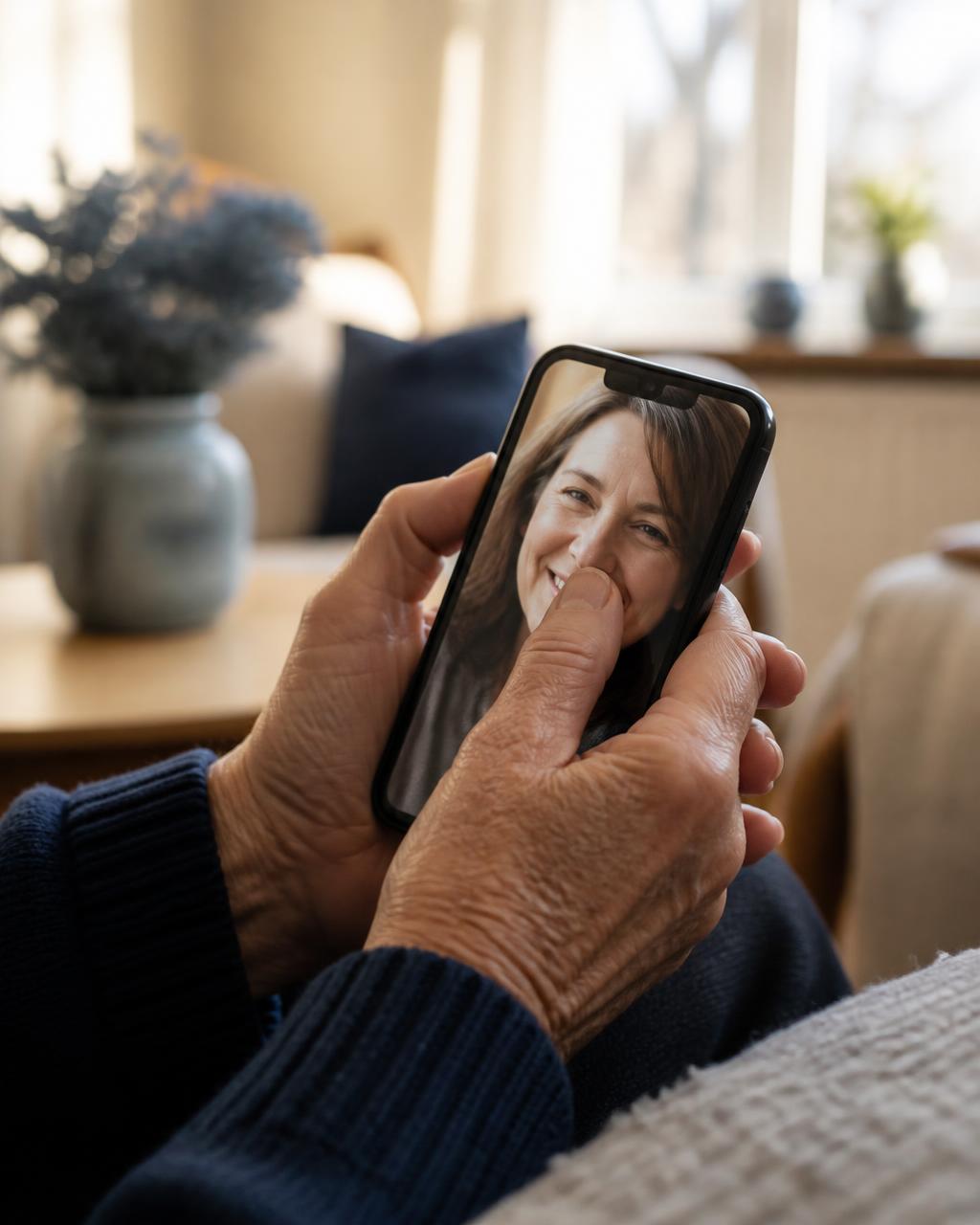
Close-up of older hands pressing a whole thumb against a large face photo on a phone screen
To answer, just tap anywhere on the screen

How we got here

CallByFace was built in 2022 — and has been used every day since.

  1. 2022First version

    Built for a family member after his brain haemorrhage, so he could call and answer again. No product and no plan — just a phone that had to work.

  2. 2025–2026Test group

    Ten other families used it in daily life. Different challenges, different phones. What they told us shaped the admin menu, the emergency button and the setup.

  3. 2026Public release

    The same calling screen that has sat on a kitchen table for four years, now as a licence anyone can order.

Feedback from the test group

Around ten households have already tried CallByFace

Before the launch, we let around ten households use CallByFace in their daily lives, with the support of their relatives. Different challenges, different phones — but the feedback pointed the same way. Below is that feedback, anonymised and summarised.

I called every evening and never got an answer. He could hear it ringing, but never managed to do the right thing in time. Now he almost always answers — he just taps the face.
Relative of a man after a strokeTest group 2025–2026
We had tried two other solutions. Both were supposed to be simple, but there were still settings, logins and notifications popping up. This is the first thing that really only does one thing.
Relative, spouseTest group 2025–2026
We looked at care phones first. It got expensive every month for something that would not be usable anyway. Here the phone already in a drawer was enough.
Relative, adult childTest group 2025–2026
We bought a simpler senior phone last year. It is still in the drawer. This one has been out on the living room table since day one.
Relative, adult childTest group 2025–2026
We used to have to call through the staff. Now she calls herself, in the middle of the day, for no reason at all. That is what had been missing most.
Relative of a woman in a care homeTest group 2025–2026
I was sceptical. He has aphasia and I thought another screen would just be another failure. After a week I stopped thinking about it — he simply uses it.
Relative of a man with aphasiaTest group 2025–2026

The feedback comes from relatives in our test group and is published anonymised. No names, towns, ages or other details that identify an individual. The wording is summarised and lightly edited for readability — the meaning is unchanged.

Got a question? Ask it openly in the forum — earlier questions and answers stay there to read.Go to the forum

FOR RELATIVES — BEFORE YOU ORDER

Is CallByFace right for you?

Most people should have an ordinary smartphone with texting, camera, banking and internet. CallByFace does not replace this — it is what you turn to once other solutions become too difficult.

When CallByFace is right

  • The regular smartphone can no longer be used for calling, even after you simplified the settings.
  • The person recognises faces in photos but cannot navigate the contact list or call log.
  • Swiping to answer or hitting small buttons no longer works.
  • A dedicated senior phone has already been tried and ended up in a drawer.
When CallByFace is wrong

  • The person can text, take photos, read the news or bank on their phone. Then they should keep it.
  • Larger text, fewer apps on the home screen or higher volume is enough.
  • Speed-dial contacts on the home screen and help going through the settings solve it.
  • The person wants to keep an ordinary smartphone. That choice is theirs.

If the person can still use their phone, they should keep using it. CallByFace is for someone who otherwise cannot call at all.

Not just a feeling

Bigger targets and faces are measurably easier

CallByFace was built in a living room, not a lab. But when we read the research afterwards it said the same thing: large targets and faces are measurably easier for a hand and a memory that have been affected.

~80%

of people who have had a stroke experience impaired hand function

Swipes and small buttons are not a detail — they are the barrier itself.

Healthcare (MDPI) 2022 — Upper Limb Motor Impairment in Stroke

Small targets

produce measurably more misses

Controlled studies show touchscreen accuracy drops clearly with small targets for people with motor impairments, while large targets narrow the gap to people without impairment.

Chen et al., Applied Ergonomics 2012

48 dp

is the minimum recommended touch target

Android's own accessibility guidance sets 48 dp as the floor for a touch target. CallByFace uses roughly ten times that area per contact.

Android Accessibility — touch target size

Larger than standard

is required for older adults

Research on smartphone interfaces for older adults lands on markedly larger touch targets and wider spacing than ordinary app icons. CallByFace uses six targets across a full screen.

Leitão & Silva — target sizes for older adults

~1 in 3

develop aphasia after a stroke

Language can fail while face recognition remains. A screen built on photos instead of text and names requires no language at all.

Engelter et al., Stroke 2006 — epidemiology of aphasia after stroke

Faces

outlast names and numbers

Recognising the face of someone close often seems to remain when names, numbers and menu logic do not. We have not found a controlled study measuring exactly this — it is what we saw in our test group, and the basis for calling by photo instead of text.

Our own observation in the test group, not a published study

CallByFace is not a simplified menu. It is a screen built around what an affected hand can actually do.

Market study · senior phones from other manufacturers

Senior phones average 4.0 out of 5. Almost one in five buyers gave 1 or 2.

These ratings are for other manufacturers' senior phones, not CallByFace. We aggregated 3,323 public customer ratings in Sweden, the Netherlands and the United States. 45 percent gave something other than full marks, and almost one in five gave 1 or 2 out of 5. They rarely write about price or battery life — it is about menus that are still there, answering windows that are too short, and phones that eventually stopped being used.

Read the market study on senior phones
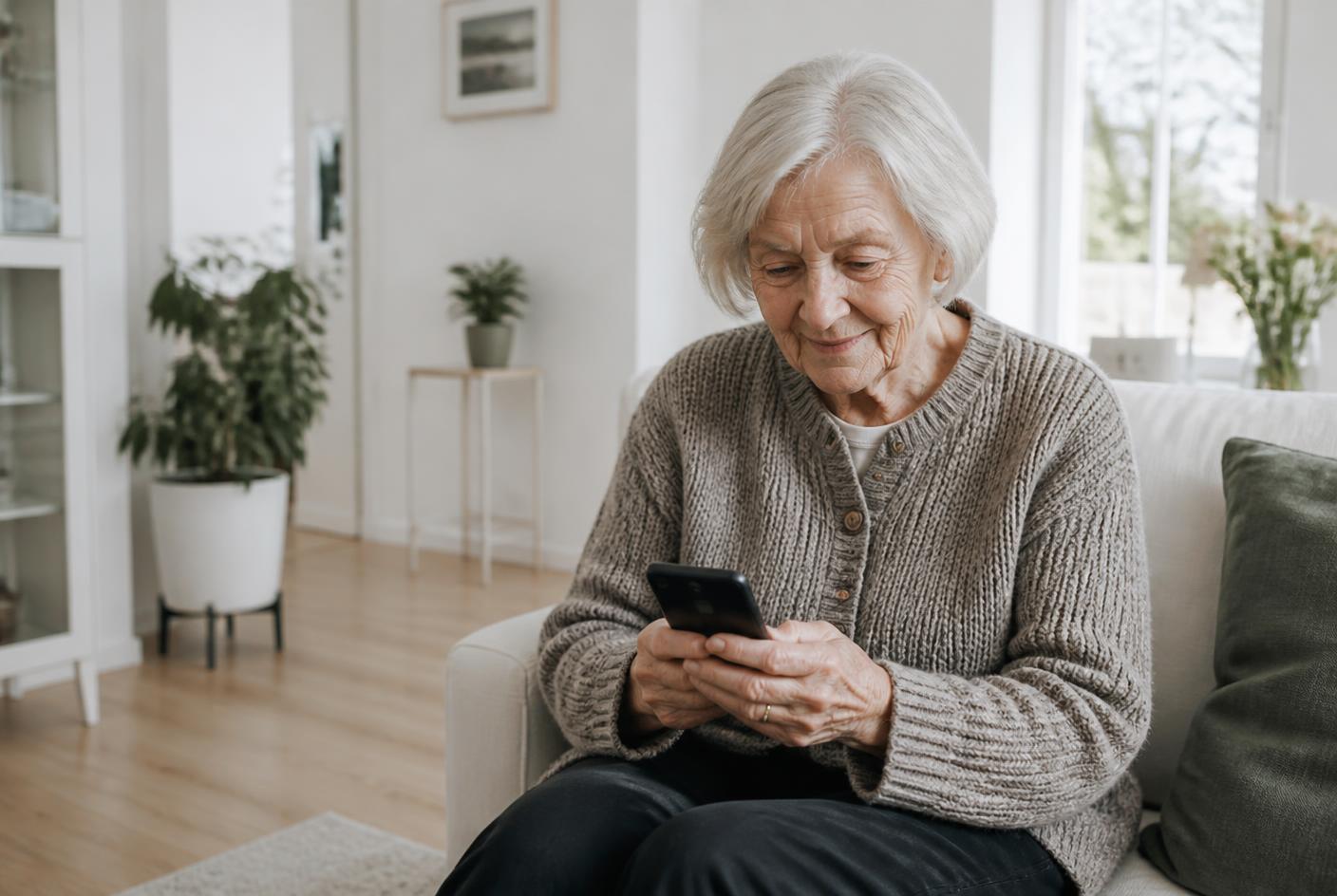
Older woman on a sofa holding a phone showing a grid of family face photos

Nothing to learn. She sees the face, taps it, and the call goes through.

The difference is visible in a second

Same phone, same plan. A different home screen.

09:414G ▮

Regular Android

Thirty-two icons, four menu layers, notifications that move.

24%08:13
EMERGENCY
Anna
Anna
Erik
Erik
Sara
Sara
Johan
Johan
Lena
Lena
Home care
Home care

CallByFace

Six people. One tap. No way out of the screen.

No new phone needed

Use the phone that is already in the drawer

You buy a licence, not a phone. Any Android from 2019 or later that sits unused at home will likely do just fine — it becomes something entirely different once CallByFace locks the screen.

  • Factory reset, scan the QR code and hand it over — about 20–30 minutes to set up.
  • CallByFace locks the screen, making other apps inaccessible.
  • No spare phone? A second-hand one works just as well.

And one more phone that does not become electronic waste.

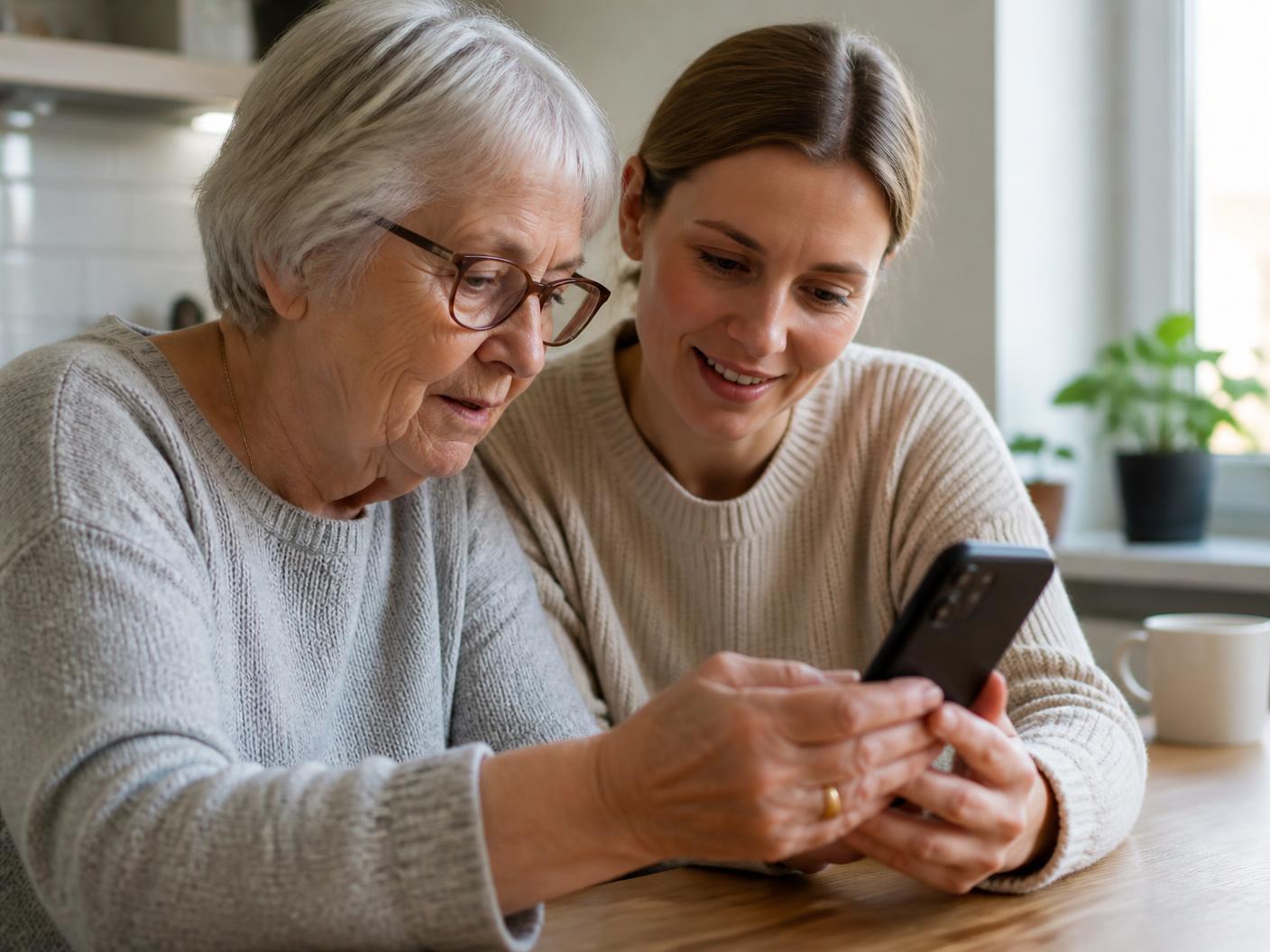
Two hands setting up an Android phone on a kitchen table

Four things, nothing else

Tap a photo — it rings

Six contacts in a large grid with photo and name. No contact list, no keypad, no search field.

Incoming calls fill the screen

The face fills the whole screen, and you answer by tapping anywhere on the photo. A red area at the bottom ends the call. No swipe, no small button.

Emergency button on top

A dedicated bar that is always visible and calls the same preset number. It is not an alarm service — in an emergency, use your local emergency number.

Cannot be left by accident

The phone runs in locked mode: it starts straight into CallByFace and the user cannot accidentally leave the screen. An ordinary app can be switched out of or uninstalled — this one cannot. Home button, app switcher and settings open only for a family member through the hidden admin mode, and that is also who can lift the lock.

Why not just a simplified phone?

The deciding question is not how many buttons there are. It is: can the user end up outside the interface? The columns are product categories, not individual products or manufacturers, and each row describes what the category typically does.

Large, clear contacts

  • Regular smartphoneNo
  • Senior phoneYes
  • Simple launcherYes
  • CallByFaceYes

Photo primarily instead of name

  • Regular smartphoneNo
  • Senior phoneNo
  • Simple launcherYes
  • CallByFaceYes

Can the user accidentally end up outside the interface?

  • Regular smartphoneYes
  • Senior phoneYes
  • Simple launcherYes
  • CallByFaceNo

Emergency button visible on screen at all times

  • Regular smartphoneNo
  • Senior phoneYes
  • Simple launcherNo
  • CallByFaceYes

Screen on and ready as long as the phone has power

  • Regular smartphoneNo
  • Senior phoneNo
  • Simple launcherNo
  • CallByFaceYes

Keep the phone you already have

  • Regular smartphoneYes
  • Senior phoneNo
  • Simple launcherYes
  • CallByFaceYes

Running in three steps

1

Factory reset the phone

An Android phone you have at home or a used one is plenty.

2

Scan the QR code

The code we send installs CallByFace and puts the phone into locked mode.

3

Add six people

Photo, name and number. Done. The phone can be handed over.

  • Registered Swedish seller

    CallByFace is sold by Visera AB, company reg. no. 556682-5211, in Linköping, Sweden.

  • 90-day money-back

    If it does not work as intended you get your money back, whatever the reason.

  • Support in an open forum

    Questions and answers stay public on this site — you can read them before you order.

  • Disputes handled by ARN

    If we cannot agree, you can turn to the Swedish National Board for Consumer Disputes. Swedish law applies.

Order CallByFace

Pay online and the QR code and instructions are emailed right after. No lock-in, no subscription on the phone.

Order CallByFace
  • 90-day money-back guarantee
  • No lock-in, no subscription
  • Works on most Android phones from 2019 onwards — see the requirements
I called every evening and never got an answer. He could hear it ringing, but never managed to do the right thing in time. Now he almost always answers — he just taps the face.
Relative of a man after a stroke