Supported phones
You do not need a new senior phone. You need the right Android phone.
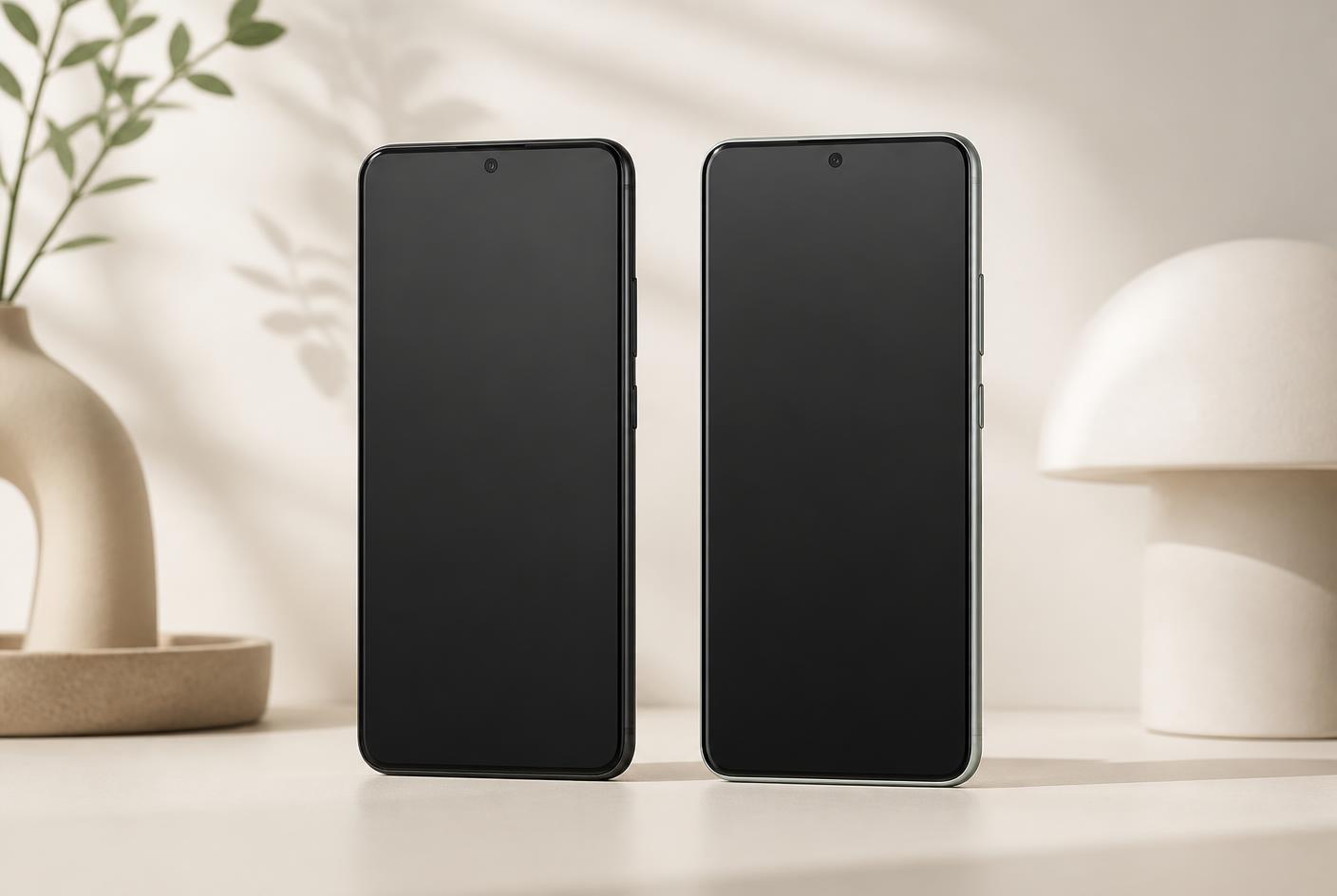
CallByFace works on most Android phones from 2019 or later. You do not need a new phone — a used one, or the one already in the drawer, is usually enough.
- Android 9 or later, with a SIM card and calling.
- iPhone is not supported — Apple does not allow locked mode this way.
- A screen of 5.5 inches or more keeps the faces large.
- One licence covers one phone, and can be moved if the phone breaks.
Requirements
- Android 10 or later
- The phone must be resettable (no lock from a previous owner)
- At least 2 GB RAM for a smooth experience
- Any plan or prepaid SIM with voice calling
Models we have tested
The list is not exhaustive — most Android phones from 2020 onwards work. Ask us about your model.
Samsung Galaxy A14 / A15
Large screen, low cost, our most common recommendation
Samsung Galaxy A54
Bright screen, good for reduced vision
Google Pixel 6a and later
Long update window
Motorola Moto G series
Affordable, easy to reset
Xiaomi Redmi Note series
Works. The vendor launcher needs to be disabled during setup
iPhone
Not supported — iOS does not allow this kind of locked mode
How to choose a phone in practice
The most common question we get is whether a new phone is needed. Almost never. An Android sitting unused in a drawer, or a second-hand model for the price of a dinner, is plenty — CallByFace places light demands on the hardware because the screen only shows six faces and places calls. What actually matters is screen size and brightness, battery condition, and whether the phone can be factory reset.
Screen size decides how large the faces are. Below about 5.5 inches each button shrinks enough to be harder to hit reliably, particularly for someone with reduced vision or holding the phone in their lap. Brightness matters just as much: a cheap panel that looks fine indoors can be unreadable next to a window in the morning. Given a choice between a newer phone with a small screen and a slightly older one with a large, bright screen, take the latter.
The battery is the most common reason a second-hand phone does not work out. A 2019 handset that has sat in a drawer may last a few hours rather than a day, and a phone that is flat when it is needed is useless however good the screen is. Charge it a day in advance and watch how it behaves before deciding. A battery replacement often costs less than a new phone.
Finally, check the phone is not account-locked. If a previous owner did not remove their Google account, the phone locks itself after the factory reset and cannot be set up at all. This is especially common with phones bought through online marketplaces. Ask the seller to reset the phone and sign out of their account before you collect it, and the problem disappears entirely.
Read next
The pages people usually go to after this one.